Add Qodeup without starting again.
Qodeup integrations connect the Terminal, pay at table, digital ordering, loyalty and analytics plug and play to point-of-sale software and tools already used by the restaurant.
The problem it solves
When payment, till, kitchen and marketing do not communicate, staff re-enter data, errors increase and each new capability becomes a separate project.
What changes with Qodeup
Qodeup fits the existing ecosystem and moves amounts, outcomes, bills, orders and customer signals between the systems involved.
Why Qodeup
One integration can enable several Qodeup surfaces, with pages that clearly explain connected products, capabilities and journeys.
Point of sale
Qodeup connects bills, amounts, orders and outcomes to the products and modules already in use.
Kitchen and orders
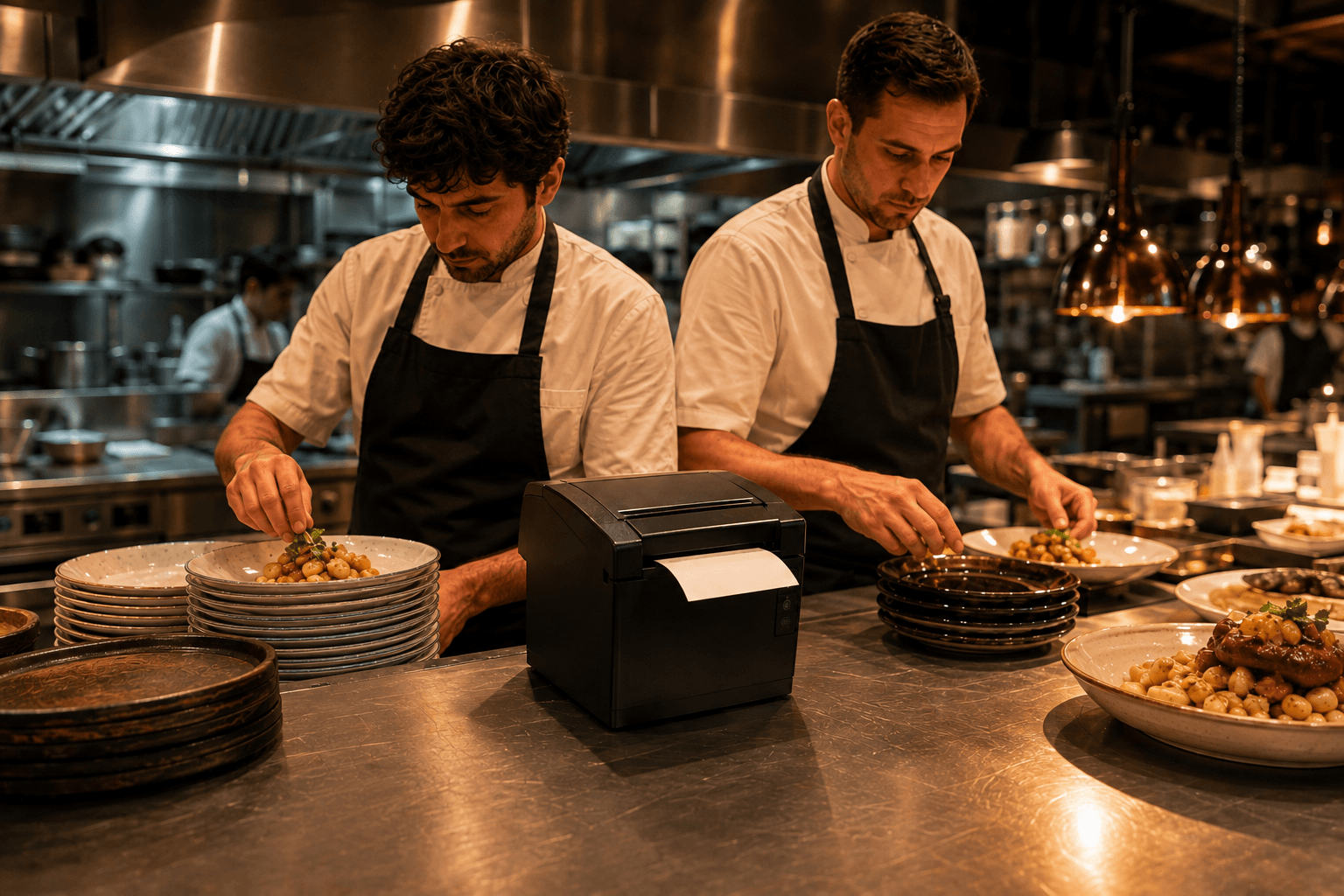
Order & Pay routes orders and prints into the configured production flow.
Data and marketing
Analytics and Loyalty can connect to the data ecosystem under defined rules and permissions.
How it works
Connect, configure and bring Qodeup into service.
Connect
Qodeup integrates with the provider and modules already used in each venue.
Configure
Products and capabilities adapt to floor, till and production journeys.
Activate
The setup enters service and grows by venue, brand or group.
Integrations
Operations and point of sale.
Bills, amounts, orders and outcomes move between Qodeup and venue systems.
Each provider page shows connected products, versions and modules.
Unlocked capabilities are organised by Terminal, Pay at Table and Order & Pay.
Errors and continuity follow a clear journey throughout rollout.
Integrations
Administration and reconciliation.
ERP and finance systems receive only the data and flows agreed with finance and IT.
Amount exchange and outcome return reduce manual handovers.
Formats, exports and responsibilities are defined for the actual case.
Qodeup does not automatically replace the restaurant’s fiscal or reconciliation obligations.
Integrations
Marketing and customer engagement.
Loyalty, CRM, reviews and post-payment data sit in a different perimeter from administration.
Purpose and consent determine which signals can be used.
External integrations connect Qodeup events to authorised marketing tools.
Each provider shows the products and journeys it can enable.
Point-of-sale software
The systems already integrated with Qodeup.
Systems with an active integration. Yours is missing? A technical check takes a few days: mention it in your demo request.
Inside the product
A useful integration should reduce manual work.
Bills and payments remain consistent across systems.
Errors are visible and handled through clear procedures.
Data boundaries respect roles and responsibilities.
Each integration explains which Qodeup capabilities it enables.
FAQ
Frequently asked questions
Does Qodeup integrate with my point-of-sale software?
Yes. Qodeup is designed to connect plug and play to point-of-sale software. Provider pages show which products and capabilities are available for each journey.
Do I need to replace my till system?
No. Qodeup is built to add payment and guest experience to the system the restaurant already uses.
How long does an integration take?
Timing depends on the POS, setup and venue count. An estimate follows the technical review.
Next step
Start with the POS you use today.
Share provider, version and venue count to see which integration path is available.
Book a demo